
Your guide is now always by your side
Take your tours fully digital with live audio guiding, real-time location tracking and group communication.
 iOS version coming soon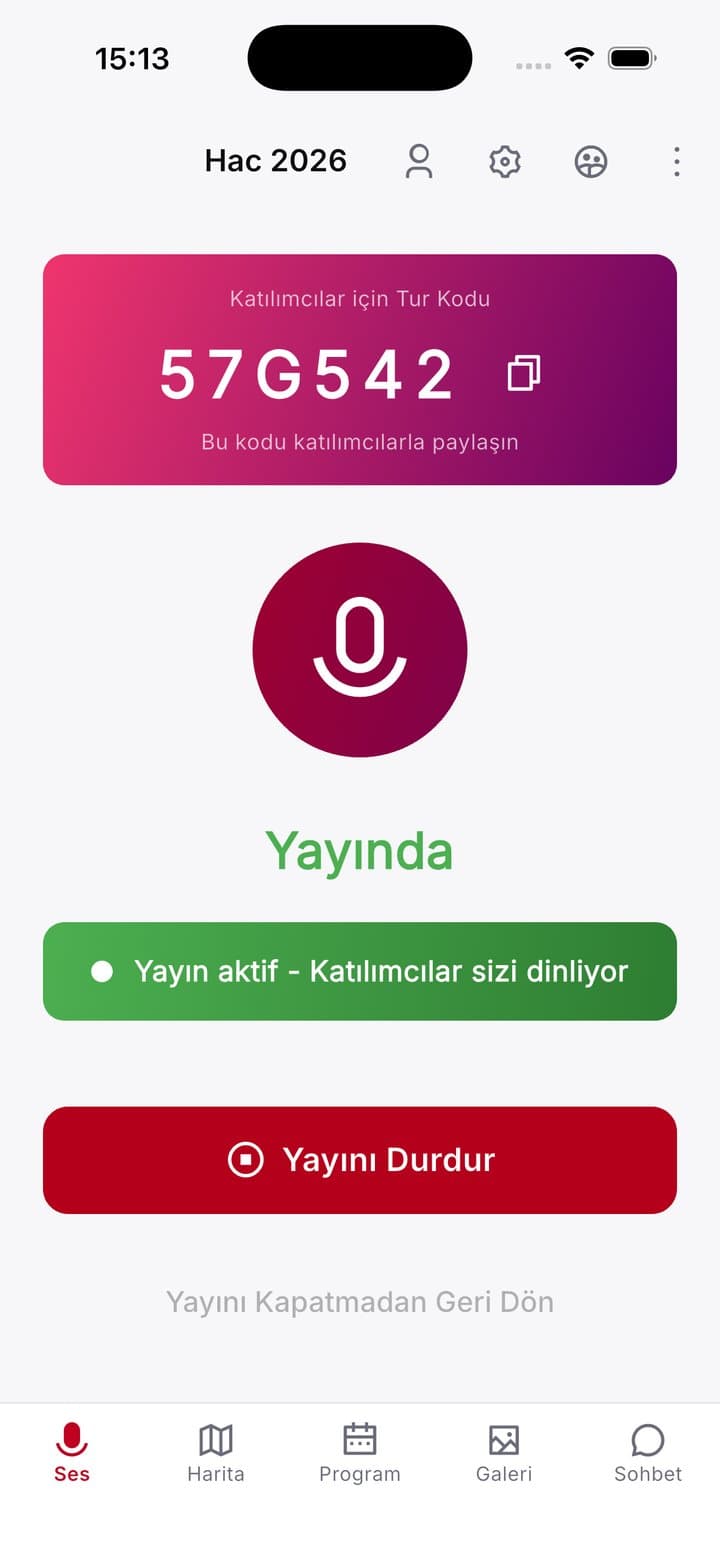
Everything you need in one app
Built for tour guides and participants. Never lose touch, even in the busiest crowds.
Live Audio Guide
Hear your guide in real time through your headphones. Low latency, high audio quality.
Live Location Tracking
See your group's live location on the map and explore without worrying about losing your guide.
Tour Schedule
Follow the daily schedule live. Places, times and descriptions, all in front of you.
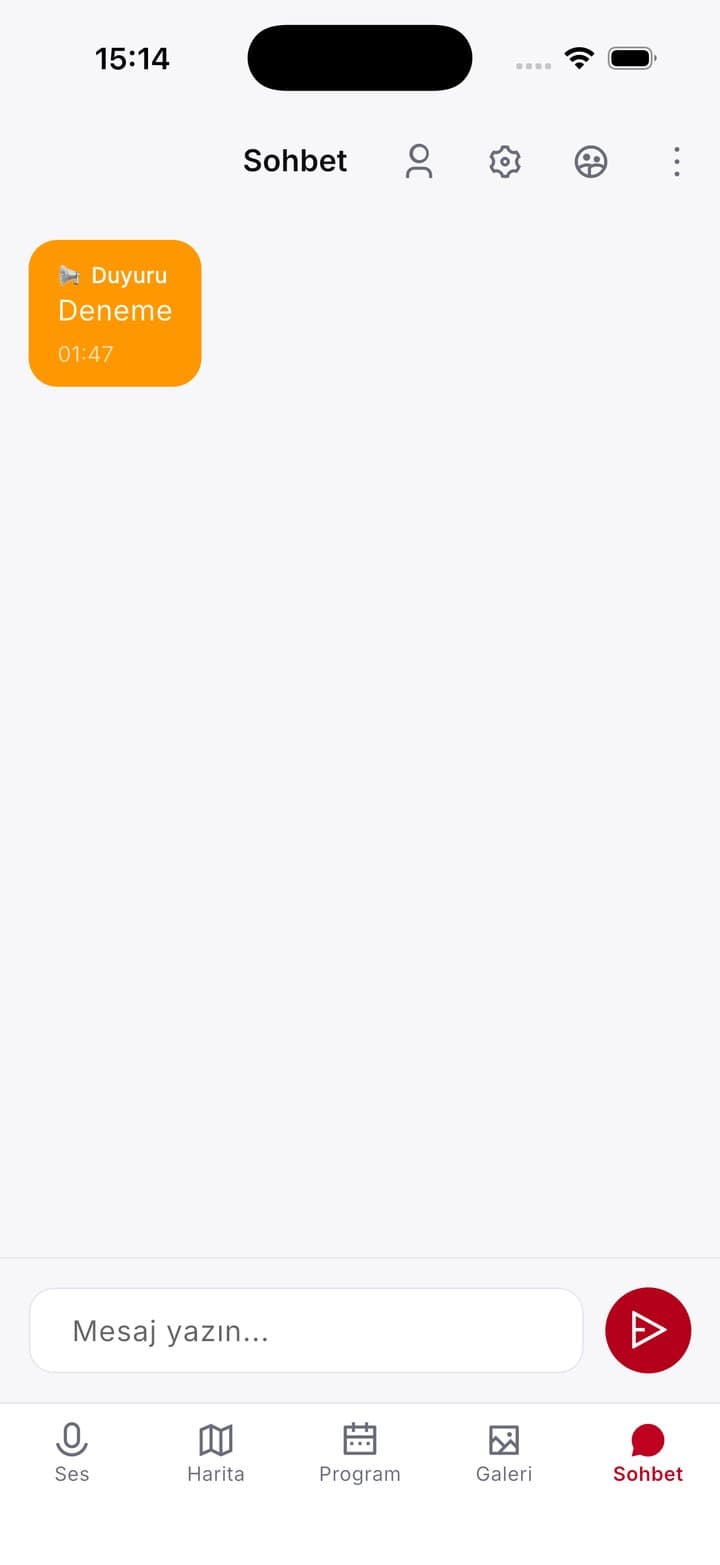
Group Chat
Message your group instantly, share photos and locations, and never miss an announcement.
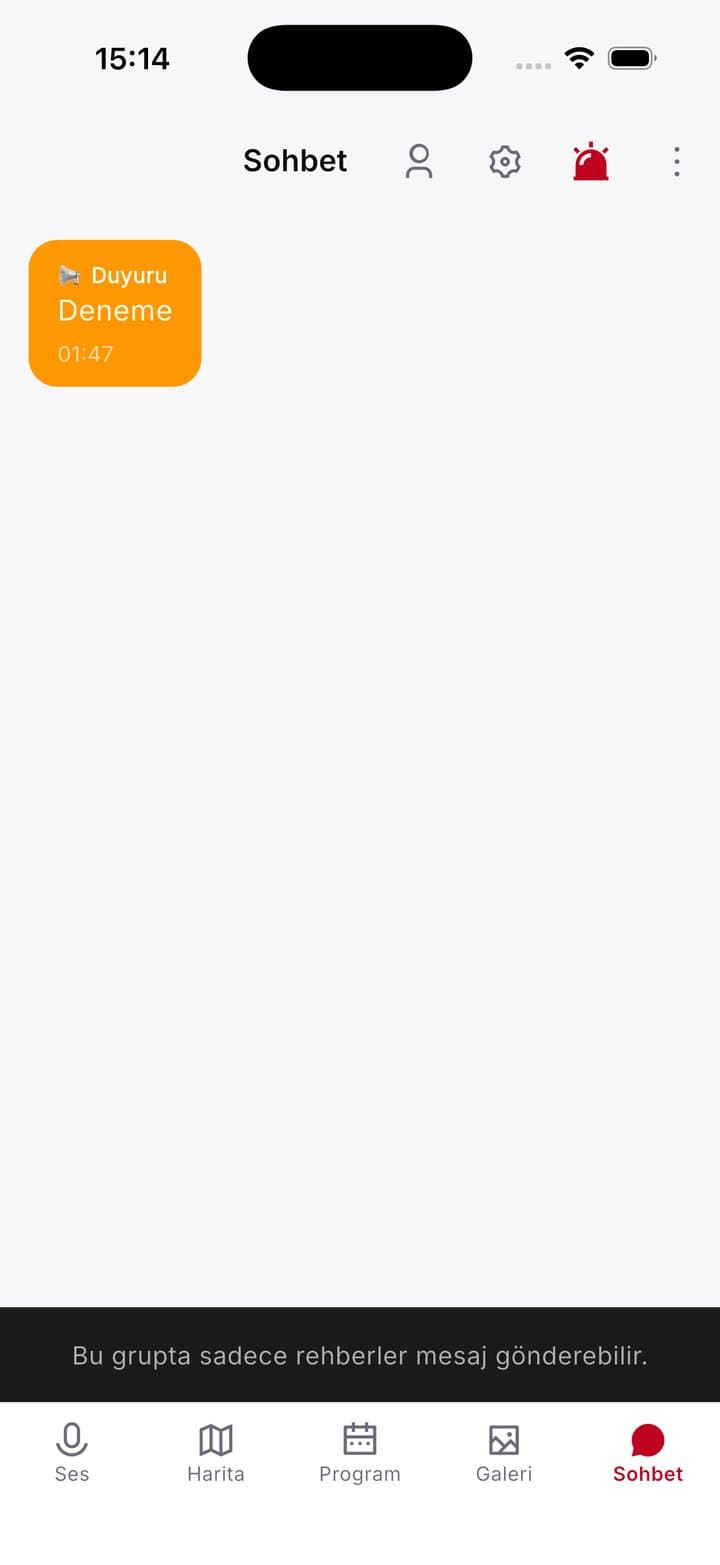
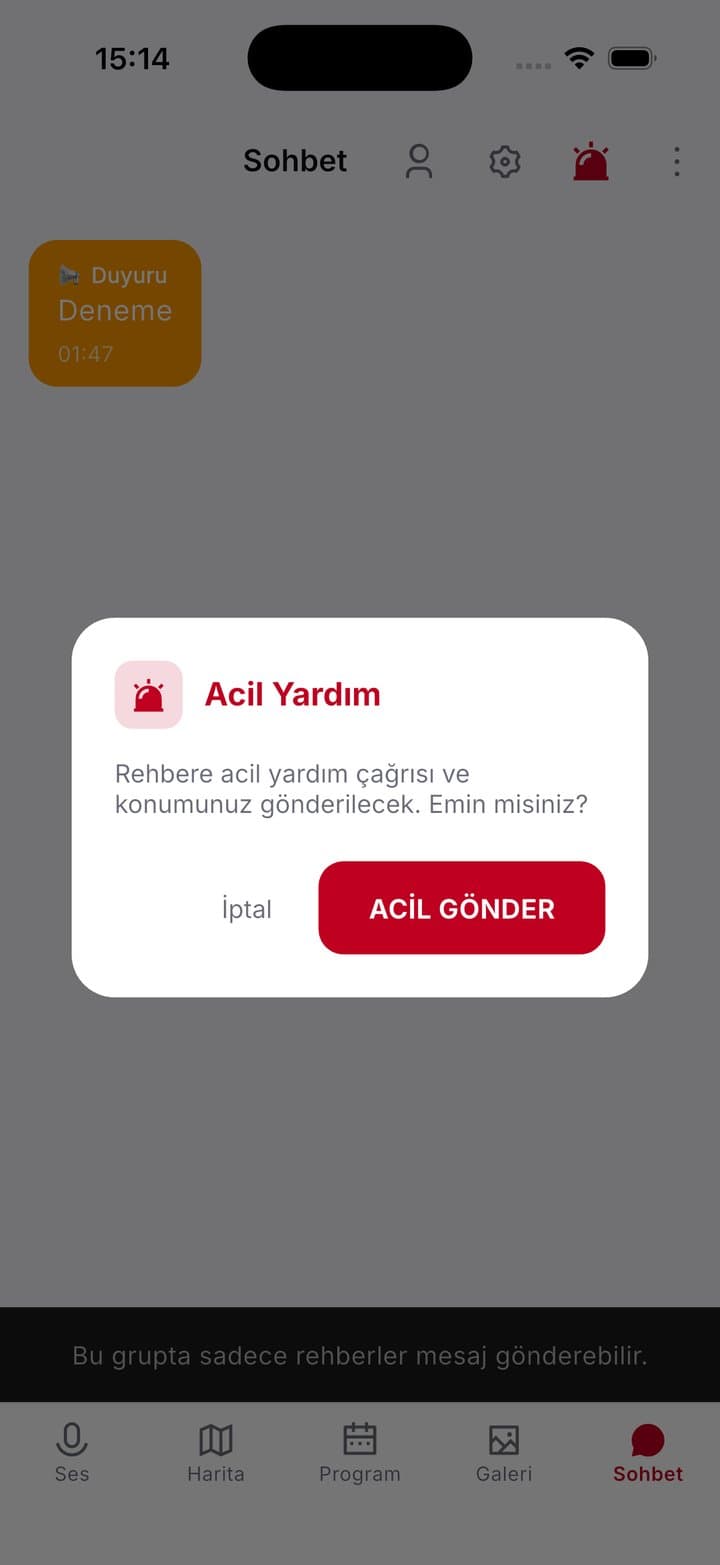
SOS Emergency Alert
Send an emergency alert with your location to your guide in one tap. Your safety comes first.
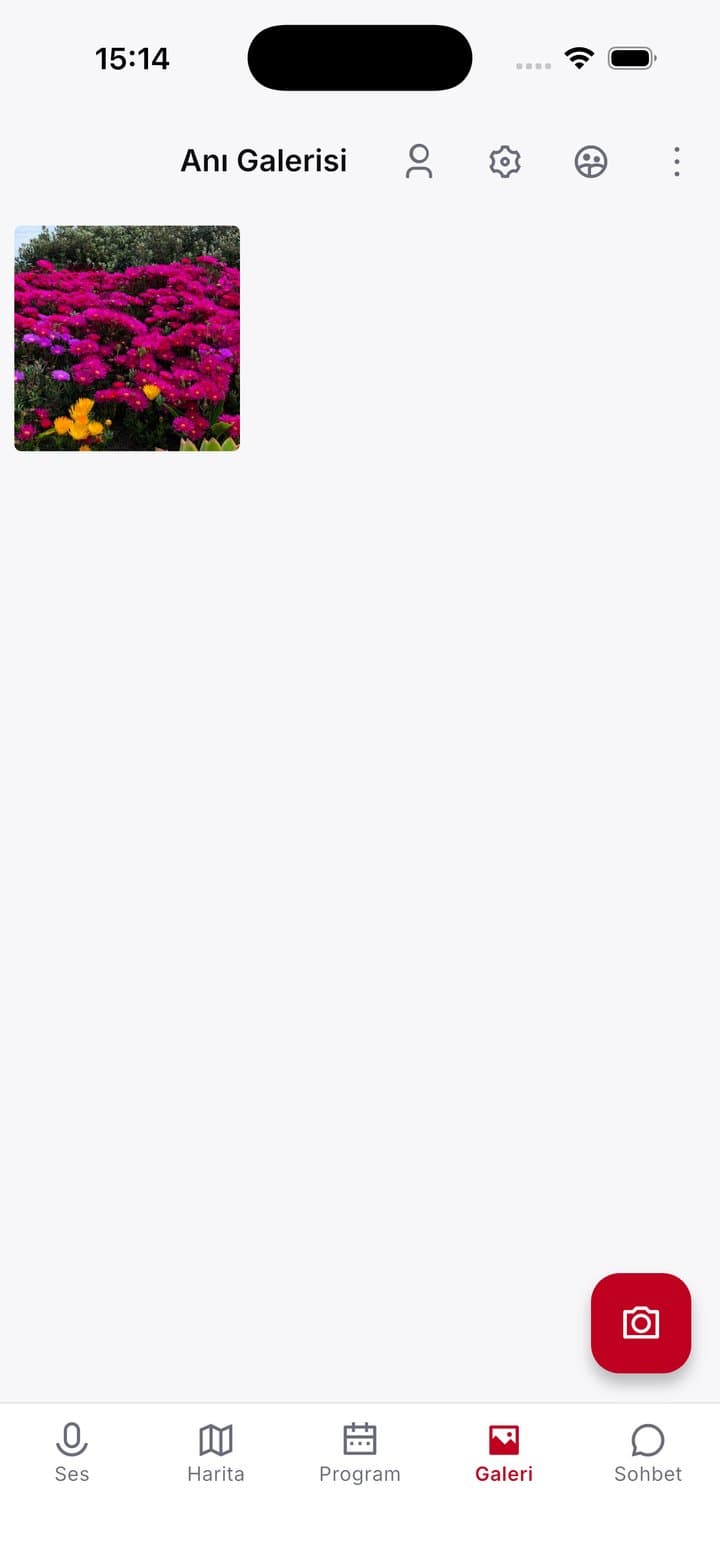
Gallery & Moments
Share photos taken during the tour with your group and keep them in a shared tour gallery.
Polls & Voting
Guides create polls and participants share their opinions instantly.
Agency Management
Agencies create tours, invite members and manage all communication from one platform.
Real-time
Audio guiding
Instant
Location tracking
Safe
SOS system
Tour code
For easy joining

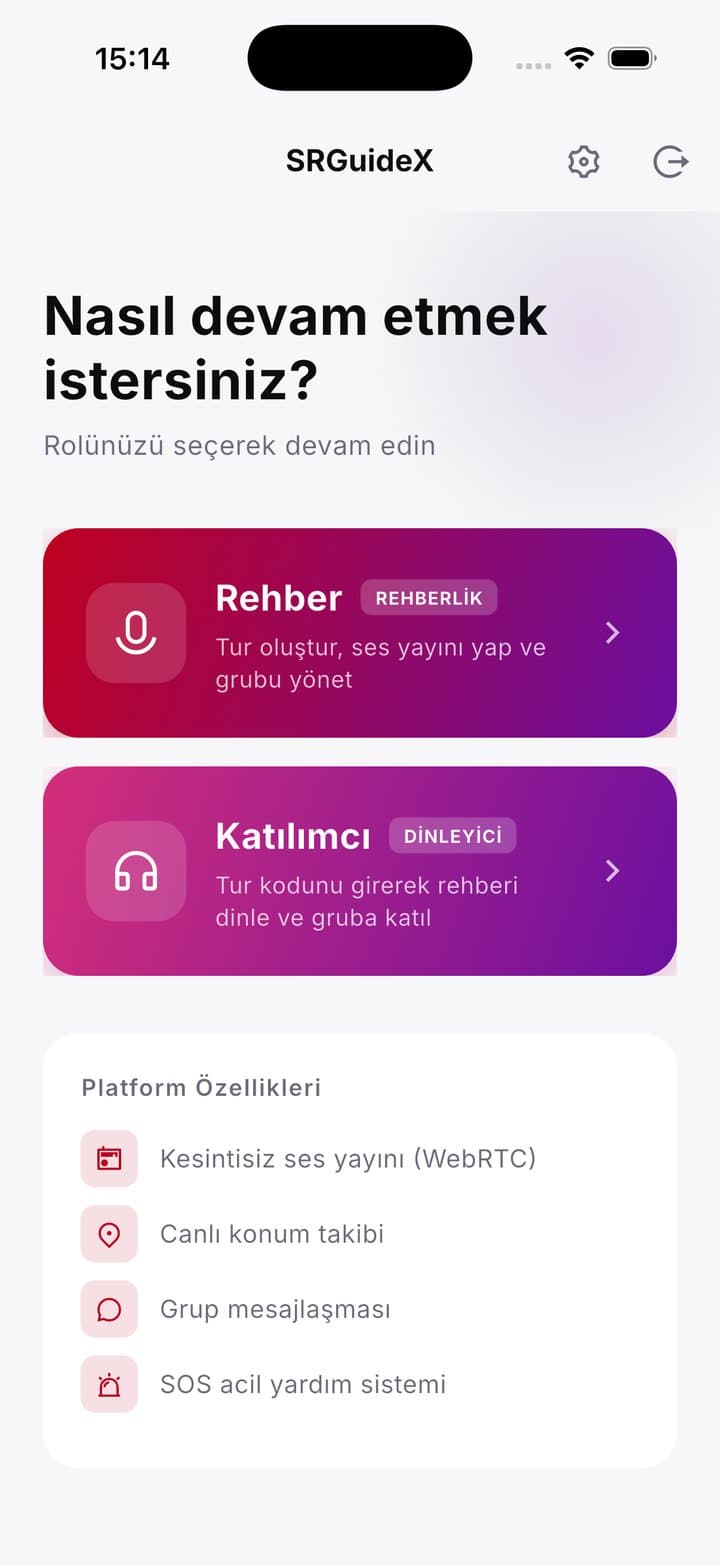
Be on your way in minutes
A dedicated experience for guides and participants
Tour Guides
- Create tours and invite members
- Turn the live audio channel on / off
- Track the group's live location
- Share the schedule and announcements
- Receive and manage SOS alerts
- Create polls and view results
- Manage the gallery
Tour Members
- Listen to your guide live
- Follow the tour schedule
- Join the group chat
- Share your location on the map
- Call for help with the SOS button
- Upload photos and browse the gallery
- Vote in polls

Take a closer look at the app
With a clean interface and powerful features, Seyyah SRguideX keeps the guide and the group together at every moment of the tour.
iOS version coming soon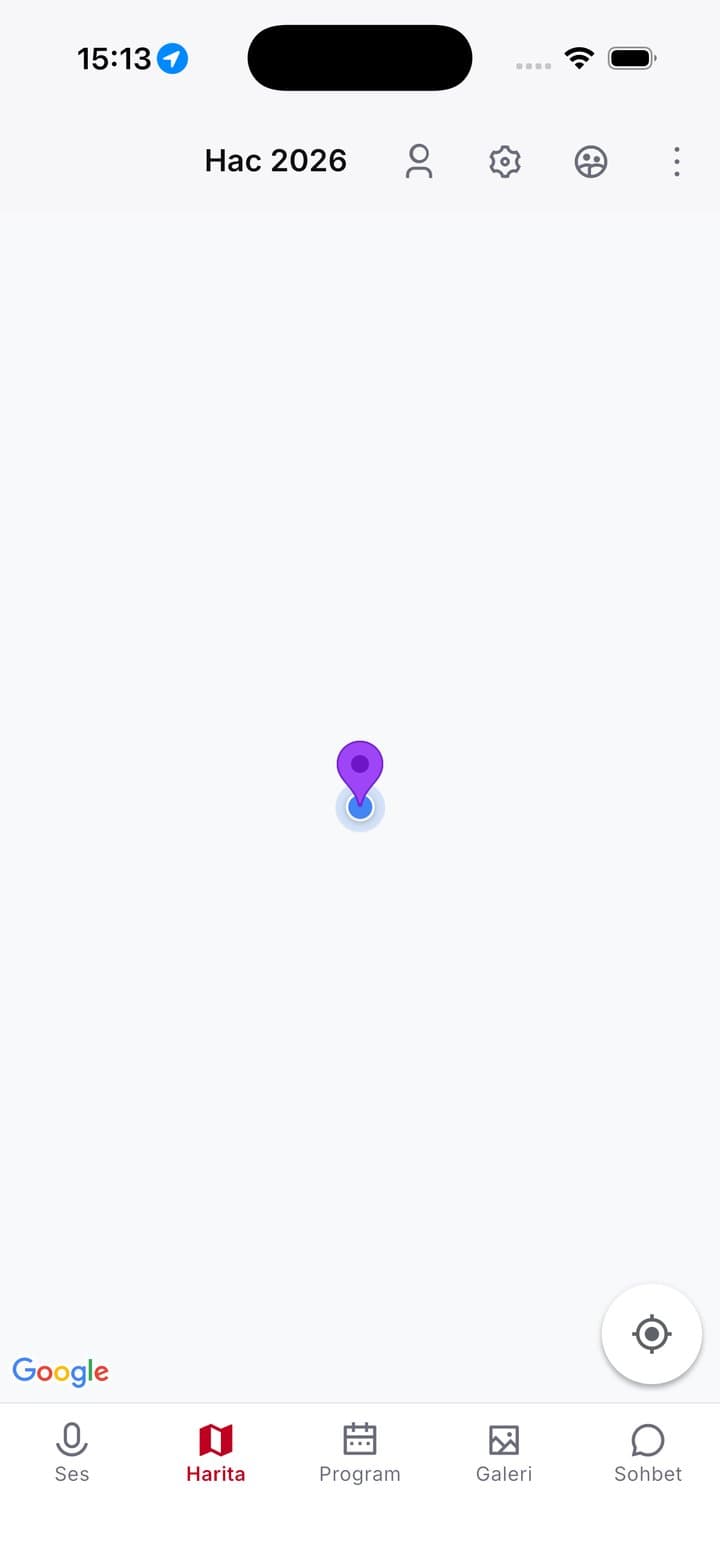
Manage your tours from the web panel
The Seyyah SRguideX agency panel brings tours, schedules, participants and accounting together on one screen. Your guides are in the field, you're in the office, and everyone sees the same data.
Tours and schedules
Create tours, plan the schedule day by day and assign guides.
Participant lists
Add participants one by one or import them in bulk from a CSV file.
Accounting
Track income and expenses per tour.
Reports
See a summary of your tours and team with charts.
Frequently asked questions
Take Seyyah SRguideX on your next tour
Download for free and get started right away.
iOS version coming soon